

In this article, I will show you how to use the Transcriber tool in a few steps.
To access the Transcriber Tool dashboard
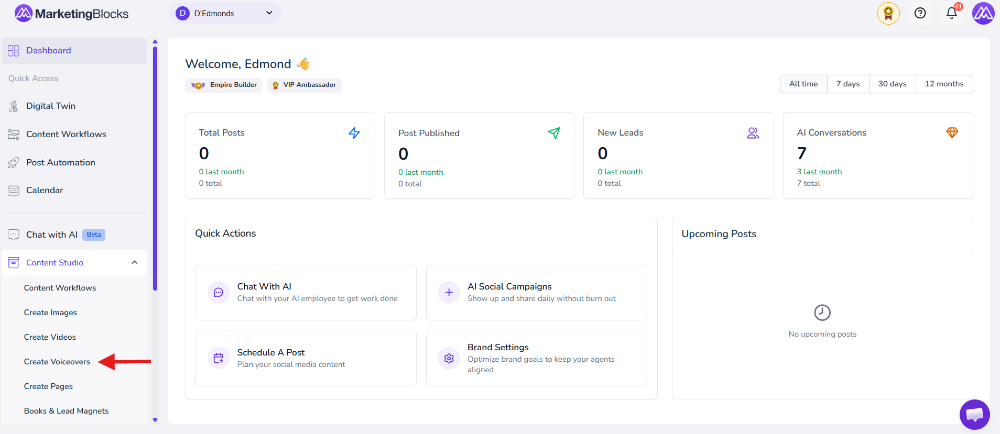
Step 1: From your dashboard, click on the Content Studio inside the drop-down menu, and click on Create Voiceovers.
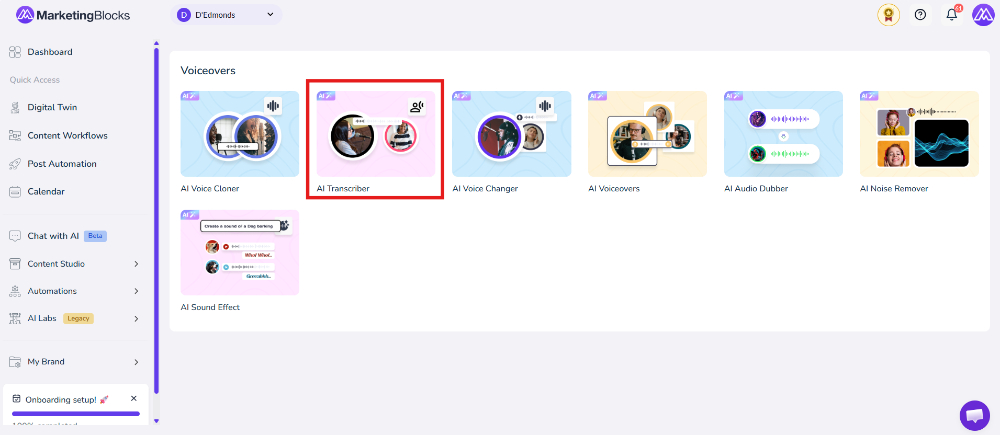
Step 2: Click "AI Transcriber"
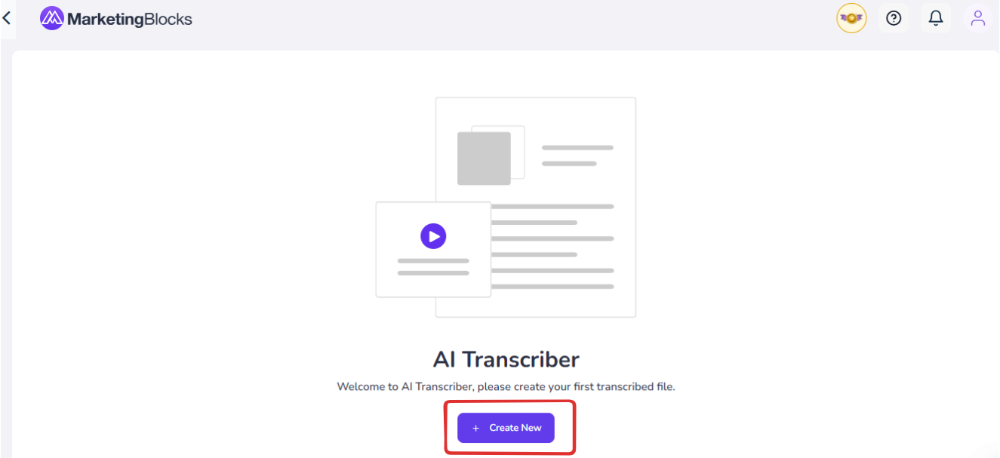
Step 3: Click on Create New
Step 4: Upload your audio file. Note that the file MUST be in the following formats Format Accepted: mp3, mp4, mpeg, mpga, m4a, wav, and webm. You can drag and drop the audio file or simply click on the Browse option to access your local computer

Step 5: Simply click on Proceed after uploading the MP3 file.

Step 6: Select the your preferred language. If you choose to change the uploaded audio language.

That's it.
If you need any more help, use the chat widget in the bottom-right corner of this page or email our support desk (support@marketingblocks.ai).
Thank you!