

Hello, welcome to this tutorial article.
In this article, I will help you find the best-suited stock images for your project.
To access the Audio Creator dashboard, you need to first create a project. So, if you are yet to create one, then please check out this article on how to create a project.
Let's dive in!
STEP 1: Once logged in,
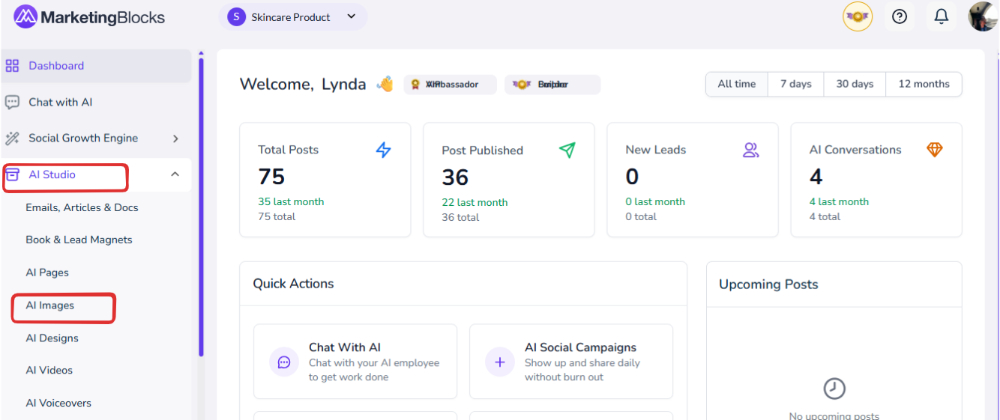
- Click on "AI Studio" and then "AI Images"
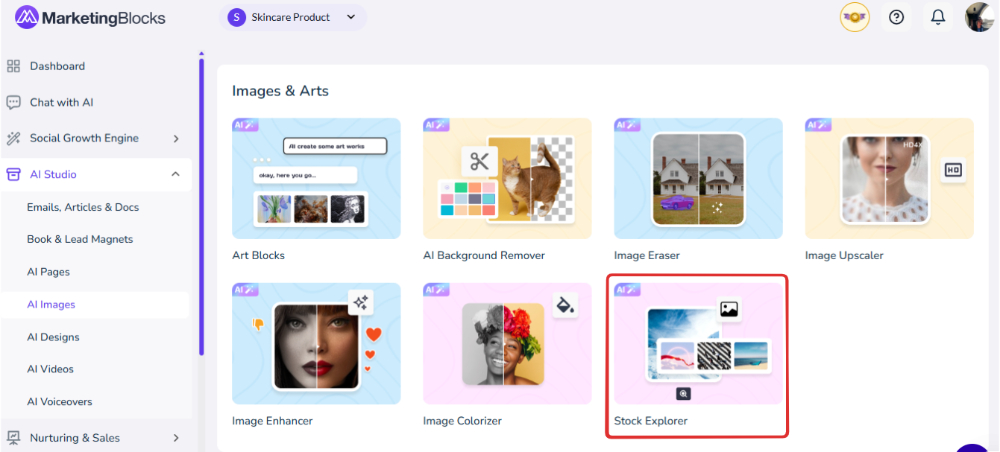
Step 2: Click "Stock Explorer"
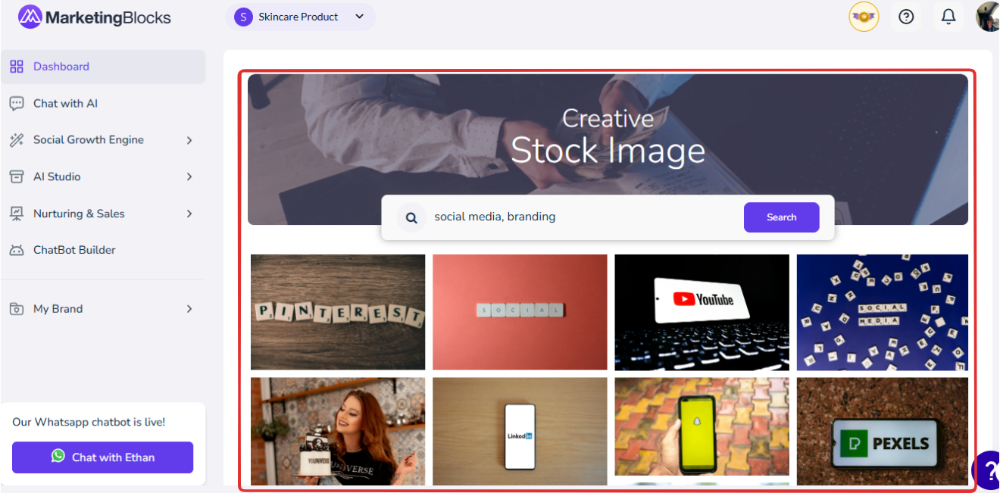
Step 3: You will be redirected to the stock explorer page, this is how it looks like on the screenshot below;
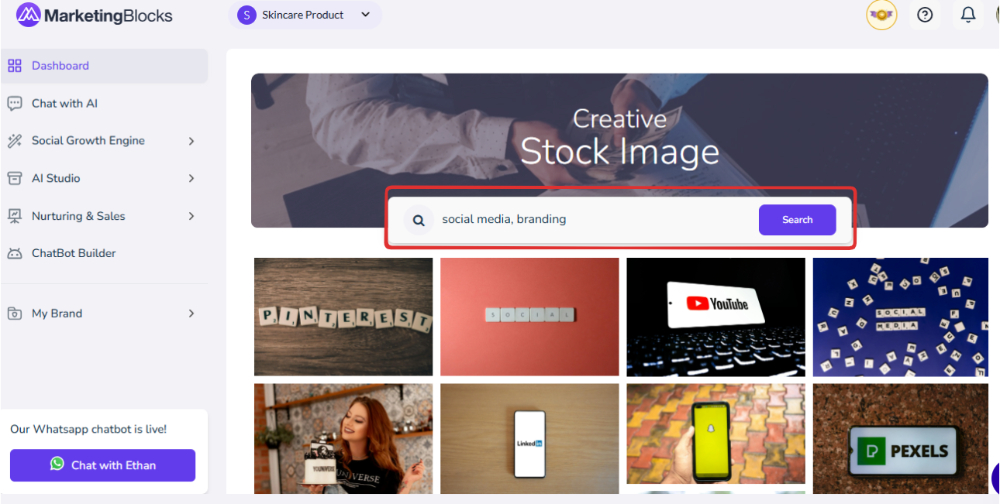
Step 4: You can search for any images of your choice through the search input.
Step 5: Hover over the image to download.
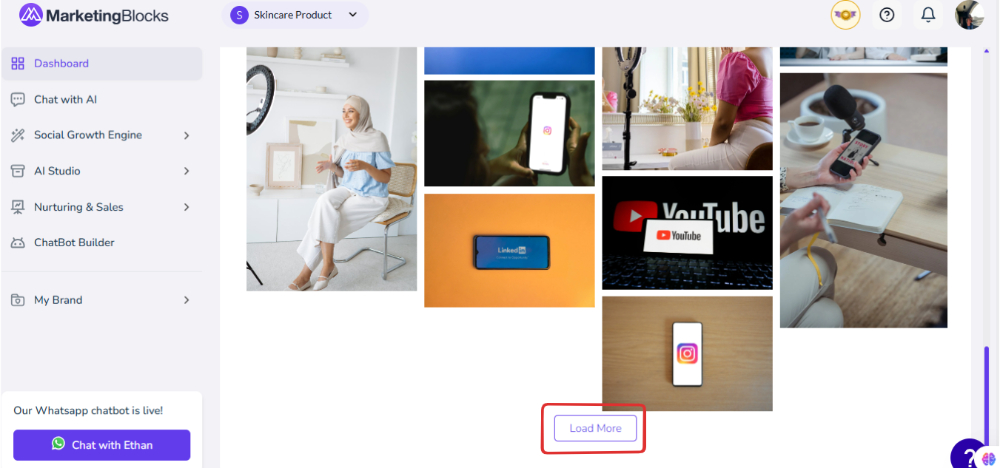
- Scroll down to load more images if the current images don’t match your requirement.
And that’s it!
If you need further assistance, kindly use the chat widget at the bottom-right corner of this page or send an email to our support desk(support@marketingblocks.ai) for prompt assistance. Thank you!